Your child's AI learning companion
Safe, fun, and educational AI chat for kids ages 5–13. Ask about science, math, history, and the world!
Available on iPhone and iPad (iOS 17.6+)
 Scan to download

5-Star Certified by Educational App Store
“One of the most thoughtfully designed AI-powered learning experiences currently available for young learners.”
“CurioKids is a thoughtfully designed AI learning platform that successfully combines safety, education, curiosity, and fun.”
— Educational App Store, Independent Review
See it in action
One question leads to the next
Recorded straight from the app.
Ask anything
Your child types or says a question, and Curio answers at their level. Tap a highlighted word for a quick, kid-sized definition, save it to Words I Learned, and practice it later with Quiz Me!
Premium
Homework help: hints, not answers
Snap a photo of a worksheet and Curio checks it, pointing to the step that went wrong instead of handing over the answer. In Parent controls, you choose Hints only or Full explanations.
Earn badges, keep what you learn
Every day of questions builds a streak and earns badges along the way, and the answers worth keeping are pinned to My Wall as cards.
Parents see the progress
Behind your passcode: weekly activity, the topics they've explored, and a monthly report you can save or share.
On iPad
Room for a whole worksheet
The same CurioKids, on the big screen. Recorded on iPad.
Homework you can go through togetherPremium
Snap a full page of homework and read Curio's hints on a screen big enough for the two of you.
Text sized for younger readers
Set Chat bubble font size to Small, Medium or Large in Settings, so early readers can follow every answer.
On iPhone and iPad
The same app runs on both, with iOS or iPadOS 17.6 or later. Each device keeps its own history — nothing is stored in the cloud.
Why kids (and parents) love CurioKids
An AI companion built from the ground up for safety and education.
Safe by Design
4 layers of safety (QuadShield) ensure no unsafe content ever reaches your child.
Age-Aware Answers
Answers tuned to your child's reading level across three age brackets: 5-7, 8-10, and 11-13.
Six Learning Modes
General Chat, Math, Reading, Science, History — and the new Chinese Tutor for kids just starting Mandarin.
Voice & Camera Input
Kids can speak questions or snap a photo and ask "What is this?"
Streaks & Badges
32 badges, daily streaks, XP and 25 levels keep kids motivated to learn every day.
No Personal Data Collection
Chat history and personal info stay on-device. No accounts, no ads, no tracking. Privacy-first.
Getting started is easy
Three simple steps to unlock your child's curiosity.
Download the app
Free on iPhone and iPad. Takes under a minute.
Set up as a parent
Choose your child's age bracket and set a parent passcode for settings.
Start learning!
Your child asks questions, Curio answers — safely and at their level.
QuadShield™ Safety System
Four independent layers of protection. No unsafe content ever reaches your child.
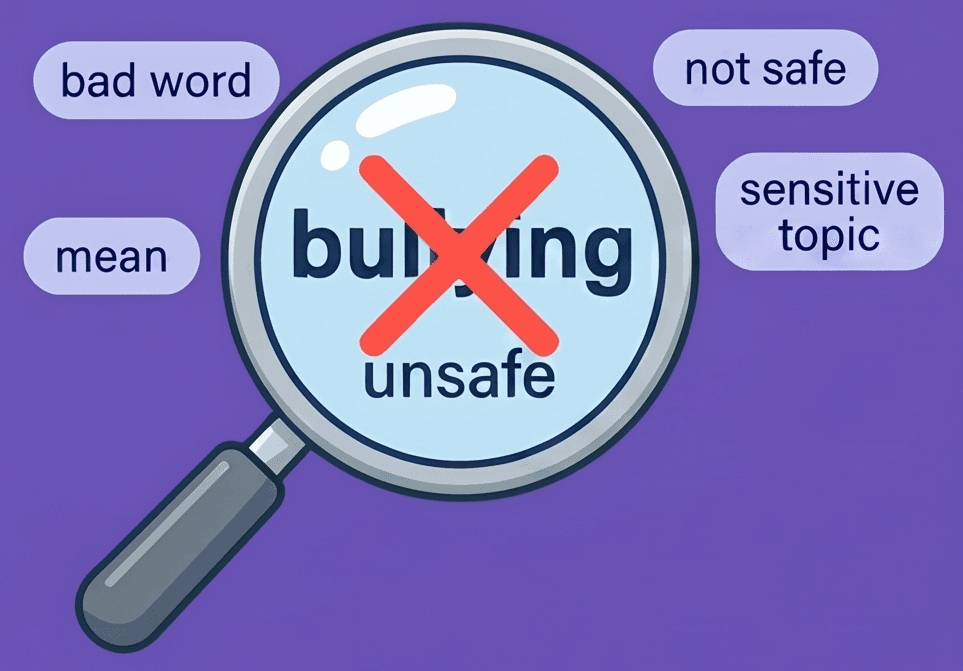
Keyword Filter
Blocks unsafe text topics before they ever reach the AI.
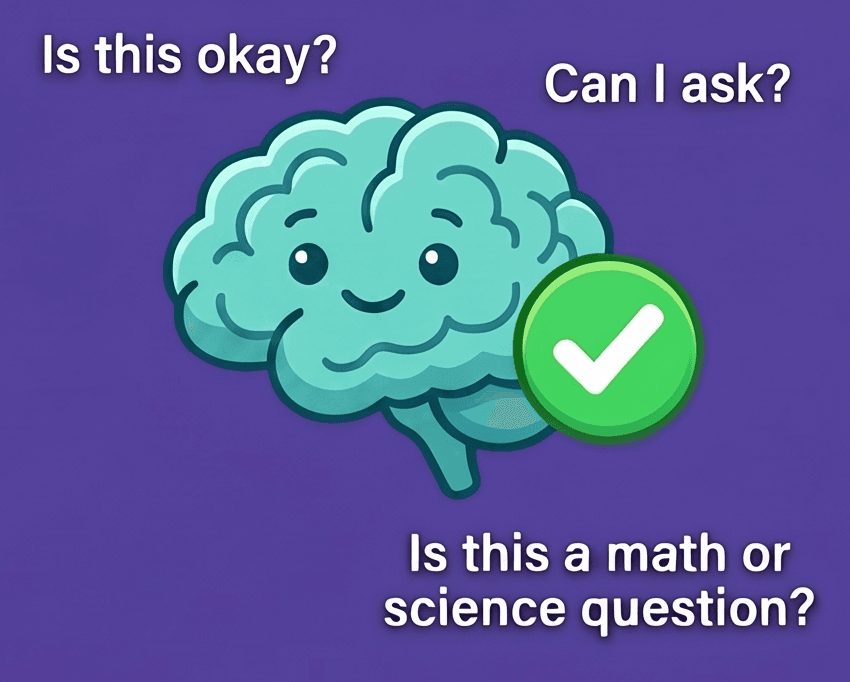
AI Classifier
Screens every question for context — is it safe, educational, age-appropriate?
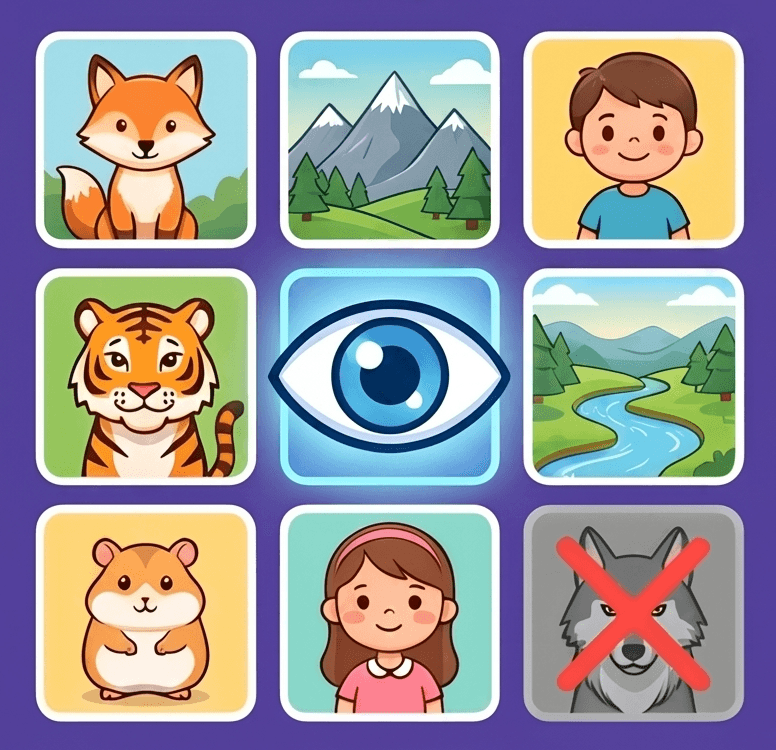
Image Screening
Analyzes all visuals for safety before your child sees them.
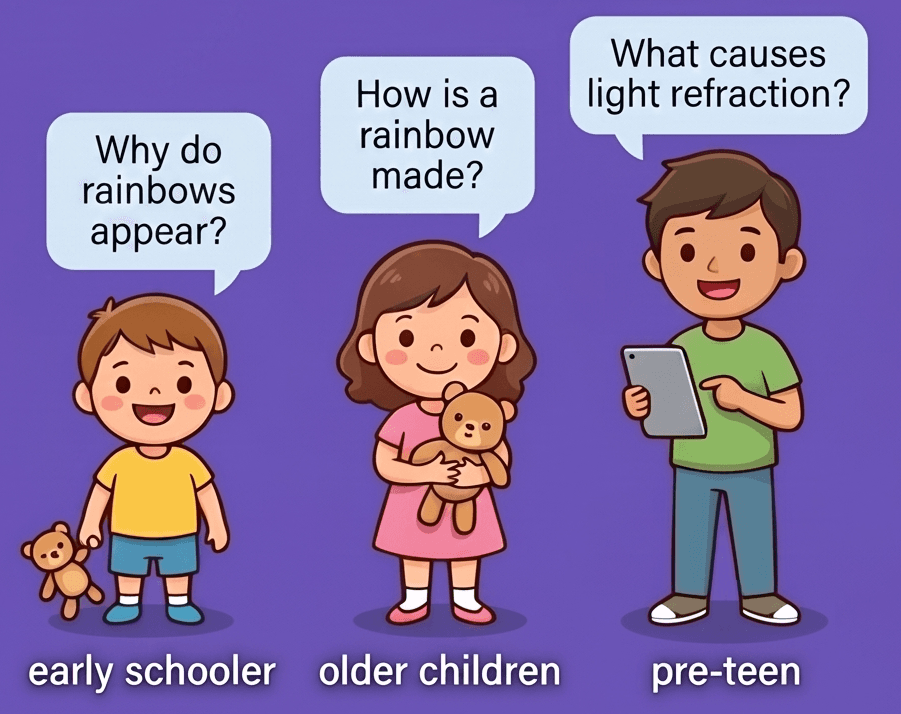
Age-Tuned Answers
Matches every response to your child's reading level and age bracket.
10 free questions a day for your first week
New to CurioKids? For your first 7 days you get 10 questions a day instead of the usual 5 — no subscription needed.
Limited-time offer.
Simple, honest pricing
Start free, upgrade when you're ready.
Free
- 5 questions per day
- 3 chat threads
- All 6 learning modes
- Voice input
- Streaks & badges
 Premium
- Unlimited questions
- 15 chat threads
- All 6 learning modes
- Camera input
- Wikipedia images
- All themes
- Priority support
Questions parents ask
Everything you might want to know before your child's first question.
Is CurioKids safe for my child?
Yes — safety is the core of the design. Every conversation passes through QuadShield, four independent layers of protection: a keyword filter, an AI classifier that screens every question, image screening, and age-tuned answers. Unsafe content is blocked before it ever reaches your child.
How is CurioKids different from ChatGPT?
ChatGPT is built for adults and assumes an adult is reading the answer. CurioKids is built the other way round: every question passes through QuadShield's four safety layers, answers are tuned to one of three age brackets, and a passcode-protected parent area lets you see what's being asked. There's no account to create, and chat history never leaves the device.
What happens if my child asks something inappropriate?
It's blocked before it reaches the AI, and it's logged for you. The keyword filter and AI classifier screen every question, and anything flagged appears in your parent area, so you can see what was asked and talk about it if you want to.
What AI powers CurioKids?
Answers are generated by Google's Gemini AI, accessed through our own secure server and wrapped in our QuadShield safety system. Your child's questions are used only to generate the reply — they are never stored on our servers, and the AI provider does not use them to train its models.
What data do you collect about my child?
Almost none. Your child's name, chat history, and settings are stored only on your device — we can't see them. The only thing we collect is an anonymous daily message count, which is not linked to any personal information. No accounts, no ads, no tracking. CurioKids is COPPA compliant.
Do we need an account, and does it work offline?
No account — no sign-up, no email, nothing to remember. An internet connection is needed to answer questions, because the AI runs on our server, but your child's name, chat history and settings never leave the device.
Will it just do my child's homework for them?
With homework photos, that's your call. On Premium, your child can send a photo of their homework and Curio checks it, and in Parent controls → Homework help you choose how it answers. Hints only, the default, marks each answer and points to the step with the mistake — without giving the corrected answer — so your child finds the fix. Full explanations shows the worked steps and the correct answers instead. If your child is still stuck after three tries, a “Show full explanation” button appears, and by default it asks for your passcode. Typed problems in the Math Tutor are worked through step by step rather than just answered, and your parent area lists every question by category, so you can see how it's being used.
What languages does CurioKids work in?
The interface is fully localized into English, Simplified Chinese and Spanish, and answers follow whichever language your child writes in. There's also a dedicated Chinese Tutor for children learning Mandarin, which explains in the language the child understands and always pairs a character with its pinyin and meaning.
What's included for free, and what does Premium add?
Free includes 5 questions per day, 3 chat threads, all six learning modes (General Chat, Math Tutor, Reading Tutor, Science Tutor, History Tutor, and Chinese Tutor), voice input, and streaks & badges. Premium adds unlimited questions, camera input, Wikipedia images, and all themes — $3.99/month or $39.99/year with a 1-month free trial. Going Premium also helps us keep improving CurioKids and cover the real cost of answering every question.
Why isn't CurioKids free?
Because every answer has a real cost. Each question your child asks is processed by a powerful AI model, and we pay for the computing behind every single reply. Rather than cover that cost with ads or by selling data — something we will never do in a kids' app — we offer a free daily allowance and ask families who want unlimited learning to support the app through Premium.
How do I cancel Premium?
Through Apple, like any App Store subscription: Settings → your name → Subscriptions → CurioKids → Cancel Subscription. You keep Premium until the end of the period you have already paid for.
Can I control and monitor how my child uses it?
Yes. A parent area protected by your passcode lets you set your child's age bracket, adjust content filters, and follow their learning in detail: weekly statistics, a monthly report, a breakdown of questions asked by category, and any flagged questions to review.
What ages is CurioKids for?
Ages 5–13, across three brackets: 5–7, 8–10, and 11–13. Answers are automatically tuned to your child's reading level and comprehension — a 6-year-old and a 12-year-old asking the same question get very different explanations.
What devices does it work on?
CurioKids is available for iPhone and iPad running iOS 17.6 or later. Download it free on the App Store.
Is there an Android version?
Not yet — CurioKids is iPhone and iPad only, running iOS 17.6 or later. If you have found a “CurioKids” app on Google Play, it is not ours.